
When you open an unfamiliar GitHub repository, the first question usually determines what you need next. If you’re trying to understand a function, it helps to have the implementation and tests open together. If you’re onboarding to a large project, an architecture diagram can point you to the right directories. If a release changed how an application behaves, a comparison between two tags can take you straight to the relevant files.
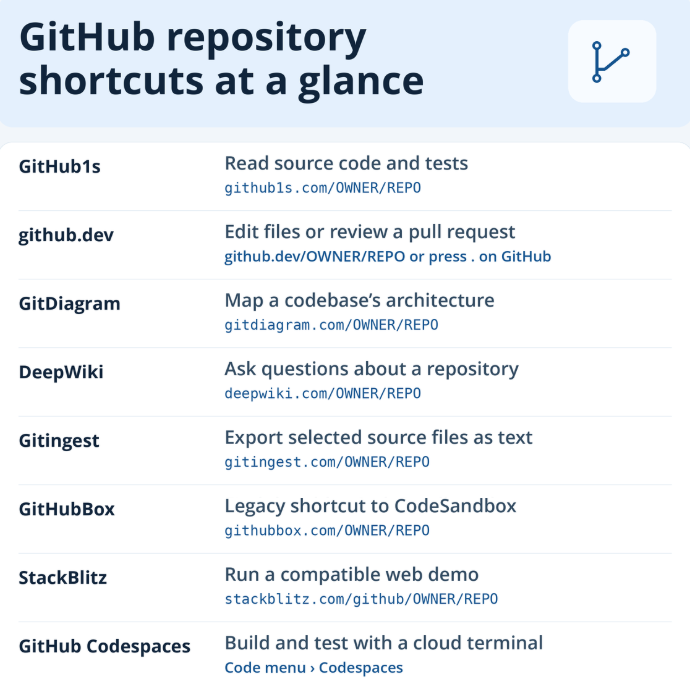
Tools such as GitHub1s, GitDiagram, and GitHubBox build on the same idea. Keep the repository’s owner and name, then change the URL to open the project in a different tool. Some give you a better way to read code. Others generate documentation, launch a preview, or give you a terminal to run tests.
GitHub Repository Shortcuts at a Glance
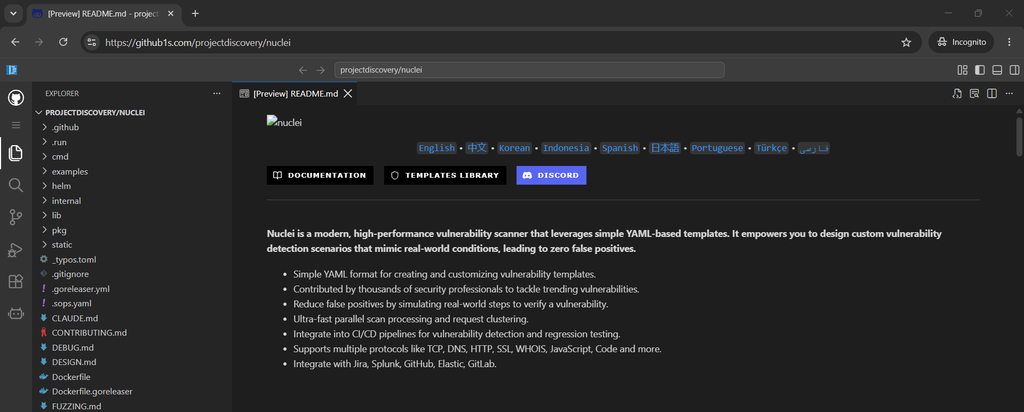
1. GitHub1s for reading source code without cloning
GitHub1s opens a repository in a VS Code-style interface with a file tree, search, and editor tabs. It works well when understanding a feature means moving between its implementation, tests, and documentation. github.com
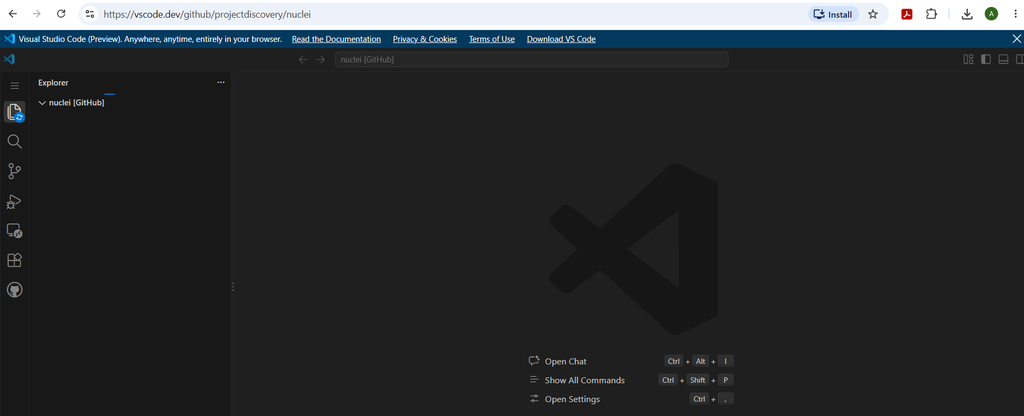
2. github.dev for quick edits and pull request reviews
Press the period key (.) on a GitHub repository or pull request to open GitHub’s web editor. You can browse, edit, and commit from the browser when you have the required permissions. The editor has no terminal, so builds and tests need a development environment. docs.github.com
3. GitDiagram for mapping an unfamiliar codebase
GitDiagram generates an interactive architecture diagram from repository files. Its component links can point you toward the source directories behind each part of the map. That makes it useful early in a review, when you’re deciding where to start reading. github.com
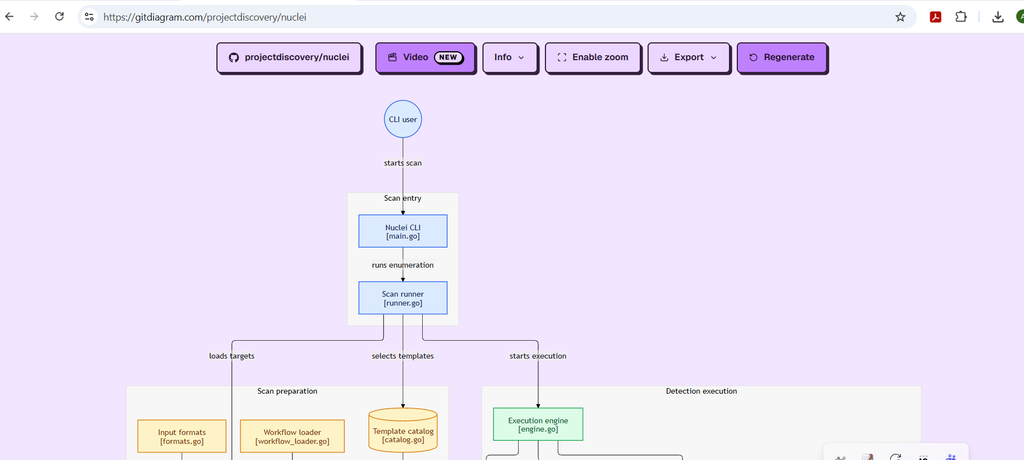
4. DeepWiki for asking questions about a repository
DeepWiki generates documentation for public repositories and lets you ask questions about the code. A focused question is especially useful when you know the behavior you want to understand but haven’t found the relevant files or functions. docs.devin.ai
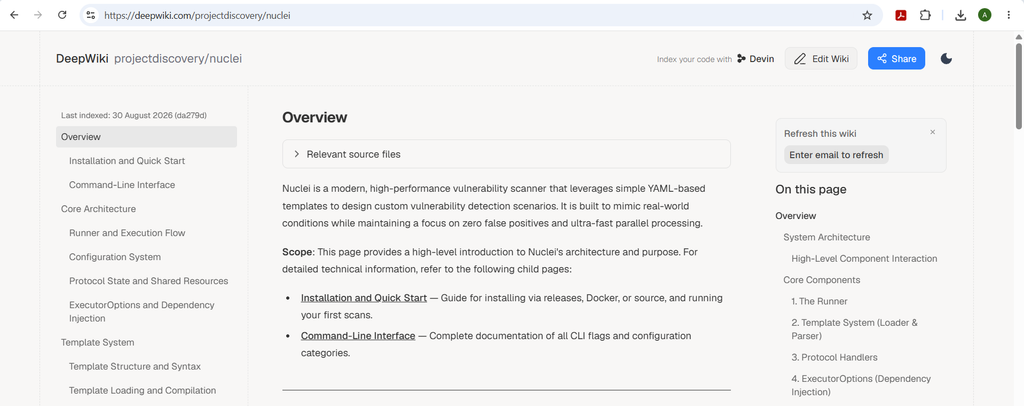
5. Gitingest for sharing selected source files as text
Gitingest converts repository content into a text digest that includes a directory tree and file contents. It is useful when you want to give a teammate or an AI assistant enough context to review one feature. The project also provides a command-line tool that accepts a local directory. gitingest.com
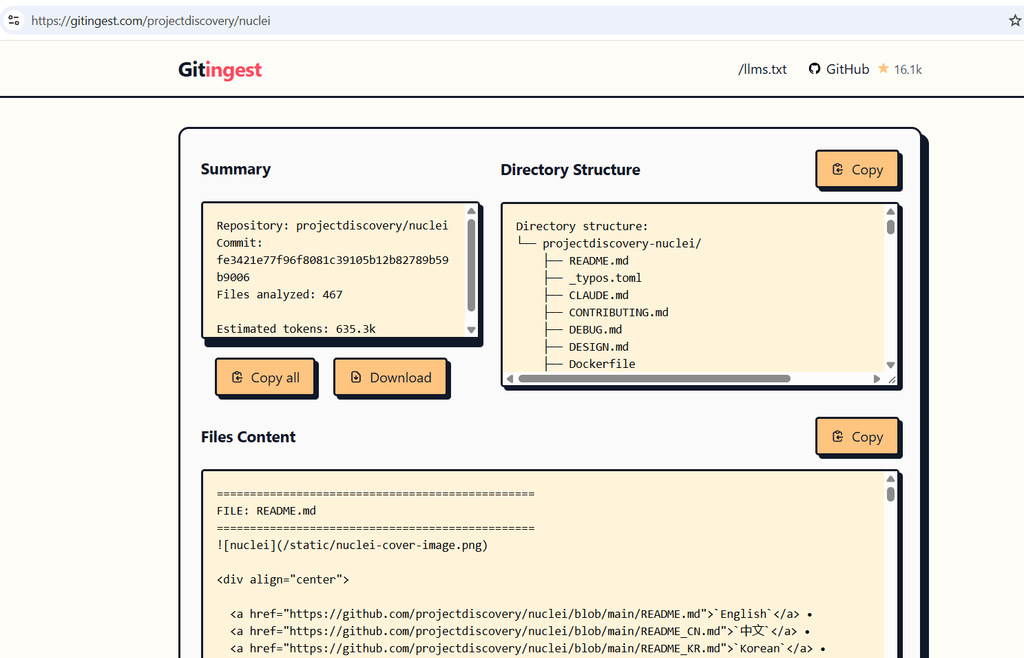
6. GitHubBox for understanding older CodeSandbox links
GitHubBox was designed to redirect a GitHub repository into CodeSandbox. A tutorial author could share a URL that opened a project in an editable environment. CodeSandbox’s Repositories product stopped accepting new imports on April 1, 2026, and full support ended on July 1, 2026. That notice applies to the Repositories product, and an older GitHubBox link can behave differently depending on its destination. github.com
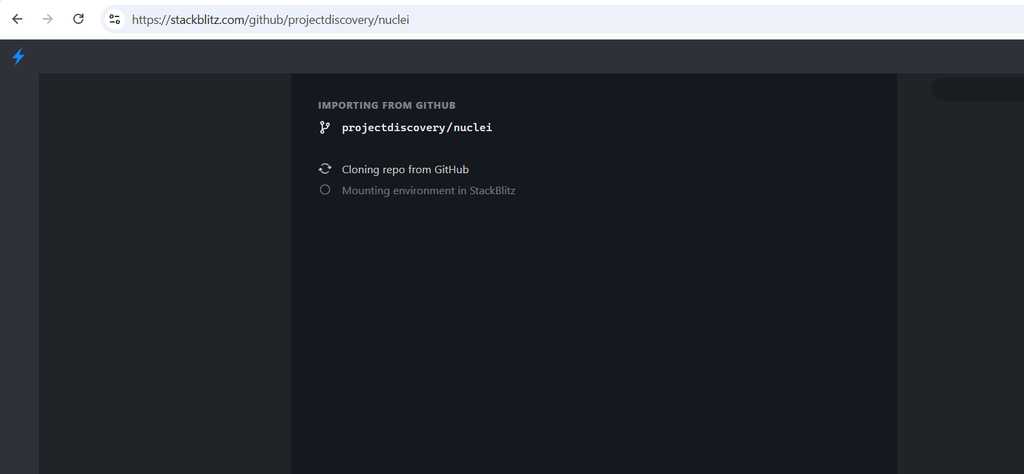
7. StackBlitz for running a web demo in the browser
StackBlitz can open compatible web projects directly from GitHub and run a preview. Its import URL can also point to a branch, tag, or commit, which helps when a tutorial needs to stay tied to a particular version of the code. developer.stackblitz.com
8. GitHub Codespaces for running builds and tests
A codespace is a cloud development environment with an editor and terminal. A repository can define its toolchain and settings in a development container configuration so contributors start with a consistent setup. Availability and usage limits depend on your GitHub account and repository settings. docs.github.com
The best GitHub shortcut depends on the question you’re trying to answer. Use GitDiagram to get your bearings in an unfamiliar codebase, GitHub1s to read the implementation alongside its tests, and GitHub Compare to trace a change between releases. When you need to see the code in action, StackBlitz works well for compatible web demos, while GitHub Codespaces gives you a terminal for builds and tests.
For a code review or technical write-up, finish by linking to the exact commit, source file, or test result behind your conclusion. That gives the next reader a way to verify what you found, even after the repository changes.